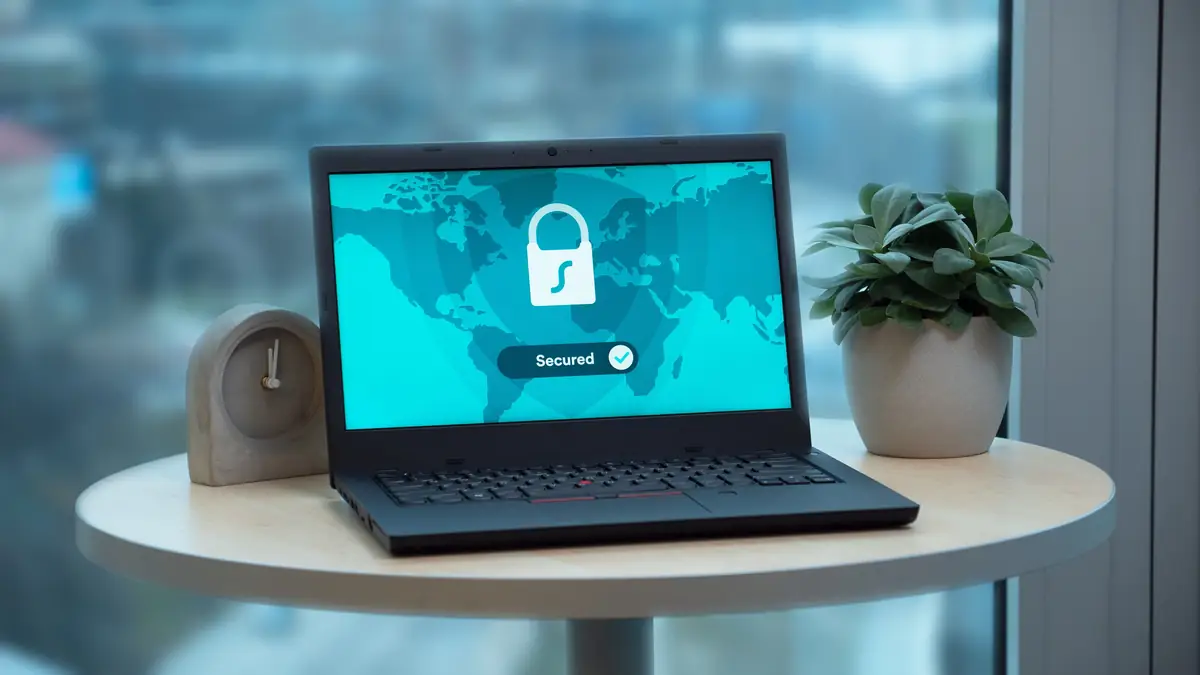
Most small business websites now show the padlock, and most hosts add the certificate behind it for free. The padlock means the connection between a visitor and the site is encrypted. It says nothing about the strength of the admin password, whether the plugins are up to date, or whether there’s a copy of the site to restore if something goes wrong.
- The padlock — encrypts the connection; Chrome says it doesn’t indicate a trustworthy site, and phishing sites have it too
- Logins — CISA says MFA makes an account 99% less likely to be hacked; turn it on for hosting, domain, email and the CMS
- Updates — 91% of new WordPress vulnerabilities in 2025 were in plugins, only 6 in WordPress core
- Backups — the FTC says to back up regularly, in the cloud or on an external drive
- Headers — Mozilla’s free HTTP Observatory grades the security headers on any site in a minute
What the padlock does, and what it doesn’t
The US Cybersecurity and Infrastructure Security Agency (CISA) describes the padlock’s job plainly: websites beginning with https:// “use encryption to secure the information that you share with them.” That protects a contact form or a checkout on its way to the server. It doesn’t vouch for the site, which is why Google announced in 2023 that Chrome would replace the padlock in its address bar with a neutral settings icon. Its 2021 research had found that only 11% of study participants correctly understood what the lock meant.
This misunderstanding is not harmless — nearly all phishing sites use HTTPS, and therefore also display the lock icon.
For shoppers, that’s why the padlock is only one check in 10 ways to spot fake websites and avoid online scams. For the business behind a site, it means the padlock is where the work starts.
Turn on two-step sign-in for every account that controls the site
A website answers to more than its admin login. The hosting account, the domain registrar, the CMS and the email inbox that receives password resets can each change the site or point the domain somewhere else. CISA’s advice applies to all of them: “The use of MFA on your accounts makes you 99% less likely to be hacked,” it says on its multifactor authentication page. MFA means a second step after the password, such as a code from an app or a physical security key.
Start with the email account. Whoever controls it can reset the password on every other account on the list.
Update the plugins, not just WordPress
On a WordPress site, most of the risk sits outside WordPress itself. Patchstack, a WordPress security company, counted 11,334 new vulnerabilities across WordPress and its plugins and themes in 2025, a 42% rise on 2024, in its State of WordPress Security in 2026 report.
91% of new vulnerabilities were found in plugins, and 9% were found in themes. There were only 6 vulnerabilities reported in the WordPress core, but these were low priority issues.
WordPress has had automatic updates since version 3.7, according to its hardening guide, which also warns that once a fix is released, the information needed to exploit the old version “is almost certainly in the public domain.” Plugins and themes need the same attention, and every plugin removed is one fewer to track. If nobody on the team will check weekly, managed WordPress hosting can take it on, as web hosting and website builders: how to get your site online explains.
Keep a backup that doesn’t live on the same server
The Federal Trade Commission’s cybersecurity guidance for small businesses is short on this: “Make it a habit to back up important files regularly. Save your backups in the cloud or on an external hard drive.” For a website, the files are the site itself and its database.
A host’s built-in backup is a good start, but it sits inside the same account. If that account is taken over or closed, the backup can go with it. Keep a second copy somewhere else, and restore it once to a test copy of the site to check that it actually works.
What this site does
ClubUnbrick rebuilt clubunbrick.co as a static site in August 2026, moving it off WordPress. Its pages are plain files, so there is no admin login, database or plugin on the live server to attack. The contact form’s email-service key is added to a server-side script at deploy time and never reaches the browser. The rule that came out of that: if the browser can read a key, the key is public.
Every page is also served with security headers, the instructions a server sends with each page. They include HSTS, which tells browsers to only ever use HTTPS on the site, and a Content Security Policy listing the only scripts allowed to run. On October 13, 2026, Mozilla’s HTTP Observatory scored the site A+, passing 12 of 12 tests. A static build won’t suit every business, but anyone can run the same free scan on their own site and see which headers are missing.
Also Read: The Complete Guide to Choosing and Registering a Domain Name
Key Takeaways
- HTTPS encrypts the connection — it doesn’t vouch for the site, and nearly all phishing sites show the padlock too
- MFA on every account that controls the site — hosting, domain registrar, CMS and email, starting with email
- Plugins carry the risk — 91% of 2025’s new WordPress vulnerabilities, against 6 in core
- Back up off the server — and restore once to prove the backup works
- Check the headers — Mozilla’s HTTP Observatory is free and takes a minute
Frequently Asked Questions
Doesn’t my web host take care of website security?
Only part of it. WordPress’s own hardening guide says web hosts are often responsible for the infrastructure a site sits on, but not for the application the owner chooses to install, and that hacks are rarely attributed to the infrastructure and most often to the application itself. On a WordPress site, that leaves the plugins, themes and logins with the owner, unless a managed host has taken them on.
Can scammers send emails that look like they come from my business?
Yes, if the domain isn’t protected. The FTC warns that without email authentication, scammers can use your domain name to send emails that look like they’re from your business. Its advice is to make sure the email provider uses three tools, SPF, DKIM and DMARC, and to have the provider set them up if the know-how isn’t in-house. The records themselves are covered in how to get a custom free business e-mail in 2026.
What should I do if someone is impersonating my business?
In the US, the FTC says to report it to local law enforcement, to the FTC at ReportFraud.ftc.gov and to the FBI’s Internet Crime Complaint Center at IC3.gov, and to warn customers as soon as possible by mail, email or social media. If the warning goes out by email, the FTC suggests sending it without hyperlinks, so it doesn’t look like a phishing message itself.
Is a free SSL certificate as good as a paid one?
For turning on HTTPS, a free certificate does the job. Let’s Encrypt, a nonprofit certificate authority, doesn’t charge for its certificates and says they can be used by websites to enable secure HTTPS connections. It issues Domain Validation certificates only, not Organization Validation or Extended Validation, primarily because it can’t automate issuance for those types. Neither kind says anything about how well the site behind it is looked after.
How do I know if my website has been hacked?
Often the owner can’t tell by looking. Google’s web.dev guide says hacks are often invisible to users, yet remain harmful to anyone viewing the page, including the site owner. Search Console’s Security issues report shows Google’s findings if it determines a site was hacked, and affected pages can carry a warning label in search results or a warning page in the browser. Setting up Search Console is part of why isn’t my page indexed? A Search Console diagnostic.
Final Thoughts
A sensible first hour: turn on MFA for the email, hosting and domain accounts, apply any waiting plugin updates, and run the site through Mozilla’s HTTP Observatory. Then put a date in the calendar to restore last month’s backup to a test copy of the site. Until someone has restored a backup, nobody knows whether it works.
Not sure what’s running behind your website?
ClubUnbrick builds, secures and maintains business websites, and moves them off WordPress when a simpler build fits better.
What We Offer
- Web security and SSL — Security headers, HTTPS set up properly, and keys kept out of the browser.
- Maintenance and support — Plugin and platform updates, and backups kept off the server.
- Site migrations — Moving off WordPress or another builder without losing the pages Google already has.
- Professional email setup — Branded email on your own domain, with SPF, DKIM and DMARC in place.
A quick review of your logins, plugins and headers is a good place to start.