A first-order discount for new customers and a thank-you on the anniversary of their first purchase are two of the simplest campaigns a business can run on WhatsApp. Both land in a chat the customer actually reads, and both are easy to get wrong in ways that cost money or get the number restricted.
The short answer: both are marketing messages to WhatsApp, even when the anniversary note carries no offer at all. They need an opt-in that covers offers, an approved marketing template and a budget at the marketing rate, the highest of WhatsApp’s standard message types. A customer who arrives from a click-to-WhatsApp ad is the exception: their welcome offer can go out free.
- It’s marketing either way — Meta lists a plain birthday greeting as a marketing template
- Get opt-in that covers offers — and record the purchase date the anniversary will be built on
- Budget for the marketing rate — the most expensive standard category in every market on Meta’s rate card
- Welcome offers can be free — inside the free entry point window after a click-to-WhatsApp ad
- Honour “stop” straight away — and expect WhatsApp to hold some messages back
Is an anniversary message marketing or utility?
Marketing, even with no discount in it. Meta’s template categorization guidelines include a marketing use case called “Build Customer Relationships”, described as:
Strengthen customer relationships through personalized messages or by prompting new conversations.
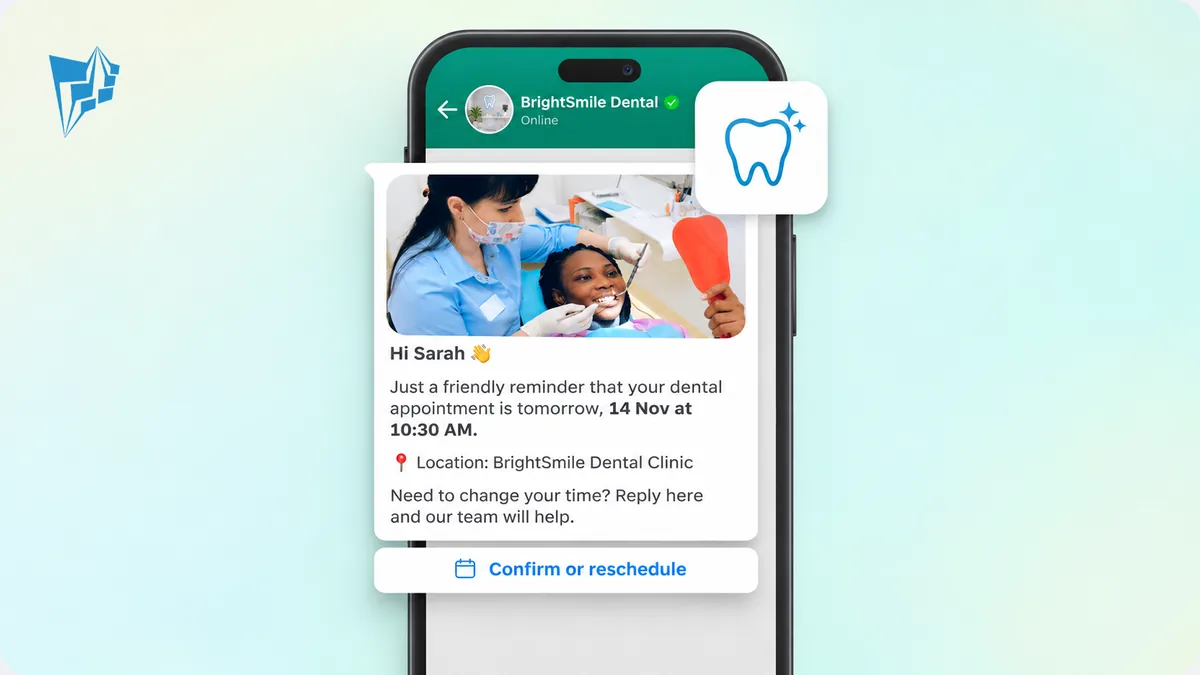
Its first example is a birthday greeting with nothing to buy in it. A purchase anniversary is the same kind of message. Utility templates, by contrast, have to be non-promotional and are typically triggered by something the customer did or asked for. A thank-you sent because a year has passed is neither, so submit it as marketing from the start. The same logic is why Automated Booking Confirmations and Reminders on WhatsApp keeps offers out of reminders.
What a WhatsApp promotion costs
Meta charges per delivered message, by category and by the customer’s country. On its rate card effective October 1, 2026, marketing is the most expensive of the four standard categories (marketing, utility, authentication and service) in all 47 markets. In US dollars, per message:
| Market | Marketing | Utility |
|---|---|---|
| Rest of Africa (includes Kenya) | $0.0225 | $0.004 |
| Nigeria | $0.0516 | $0.0067 |
| South Africa | $0.0379 | $0.0095 |
| United Kingdom | $0.0635 | $0.022 |
| India | $0.0118 | $0.0014 |
The cheap route is for brand-new customers. When someone messages a business from a click-to-WhatsApp ad on the Android or iOS app and the business replies within the customer service window, that reply opens a free entry point window. It can stay open for up to 7 days, and while it is open Meta does not charge for marketing, utility, authentication or service messages. A first-order offer sent in that window costs nothing. Knowing which ad brought the customer in is covered in Tracking Which Ads Actually Drive WhatsApp Leads.
Get an opt-in that covers offers
WhatsApp’s Business Messaging Policy only allows a business to contact people who have given it their number and opted in to hear from it. A customer who agreed to delivery updates did not necessarily agree to offers. Meta’s opt-in guidance suggests “obtaining separate opt-in by specific message category”, because it “mitigates the risk that users will block your business because they receive unsolicited messages.”
In practice that is one extra, unticked box at checkout or booking: offers and anniversary messages from the business, on WhatsApp. Store the date it was ticked and the date of the first purchase next to the phone number. The anniversary send is built on that purchase date.
Setting up the anniversary send
One approved marketing template covers every customer, with variables for the name, the number of years and the offer. A daily job finds the customers whose first purchase was on that date, checks they still have the opt-in, and sends the template through the API at a sensible local hour. Submit the template a day or more ahead: review can take up to 24 hours, and Why WhatsApp Templates Get Rejected, and How to Get Them Approved covers the mistakes that send one back.
Two things will stop some messages arriving. WhatsApp applies per-user marketing limits: it “may limit the number of marketing template messages a WhatsApp user receives from any business in a given period of time when they are less likely to be receptive and engage with those messages.” And customers can switch off a business’s offers in WhatsApp’s Offers and announcements setting. A template sent to someone who has done that fails with error code 131050. Subscribe to the user_preferences webhook and remove those customers from the list the same day. The policy requires it: businesses “must respect all requests (either on or off WhatsApp) by a person to block, discontinue, or otherwise opt out of communications”.
When a customer replies, a 24-hour customer service window opens. Marketing templates sent inside that window don’t count towards their per-user limit, and an ordinary typed reply is a service message, which falls within the 1,000 free service messages each business phone number gets a month.
Also Read: WhatsApp Automation for Business: API Guide & Capabilities
Key Takeaways
- Promotions and anniversary messages are both marketing templates, even when the anniversary note offers nothing.
- Marketing is the most expensive standard message category in every market on Meta’s October 2026 rate card.
- A welcome offer sent in the free entry point window after a click-to-WhatsApp ad costs nothing.
- Ask for opt-in to offers separately, and record the first-purchase date at the same time.
- Remove anyone who stops your offers the same day, and expect per-user limits to hold some messages back.
Frequently Asked Questions
Can I send WhatsApp promotions to customers in the United States?
Not at the moment. Meta’s documentation on per-user marketing limits says: “WhatsApp does not currently deliver marketing template messages to WhatsApp users with United States phone numbers (numbers composed of a +1 dialing code and a US area code).” Sending one returns an error. The restriction Meta describes there covers marketing templates only.
Does a discount in an order confirmation make it a marketing message?
Yes. Meta’s categorization guidelines treat “templates with mixed content (for example, both utility and marketing, such as an order update with a promo or a feedback survey with promotional content)” as marketing. If you submit one as utility and WhatsApp decides it should be marketing, it is approved as marketing, and businesses that keep misclassifying templates can lose the ability to create utility templates for a time. Send the confirmation and the offer as two messages.
Why did my promotion fail with error code 131049?
The customer reached their per-user marketing limit. WhatsApp may cap how many marketing templates a person receives from all businesses, based on how often they read them and how busy their inbox is. Meta’s advice is to wait at least 24 hours before trying again, as repeated retries within a day can block further delivery attempts to that person for up to 24 hours.
Does the opt-in have to mention WhatsApp?
Not under Meta’s own rules. Its opt-in guidance says permission “can be general and not specifically for WhatsApp, as long as businesses comply with all local laws.” It must state clearly that the person is opting in to messages, and name the business sending them. Local law can ask for more, so naming WhatsApp and offers in the wording is the safer choice.
Is there a cheaper way to send WhatsApp marketing messages?
Through Meta’s Marketing Messages API for WhatsApp there can be. Meta’s pricing page says that “starting in 2026, businesses integrated into Marketing Messages API for WhatsApp can choose to set a max-price per marketing message delivery”, and Meta will then charge that price or lower. Through the standard Cloud API, marketing messages are charged at the fixed published rate.
Final Thoughts
The anniversary message is the easier of the two to get right, because it goes to people who already bought and have a reason to remember the business. What decides whether it keeps working is the list behind it: opt-ins recorded properly, purchase dates stored, and “stop” honoured the day it arrives.
Want offers that reach customers who asked for them?
ClubUnbrick sets up WhatsApp marketing on the Business API for small businesses, from the opt-in wording to the daily anniversary send.
What We Offer
- Opt-in capture — Checkout and booking forms that record consent to offers and the first-purchase date.
- Marketing templates that pass review — Welcome and anniversary templates written and submitted in the right category.
- Scheduled sends — A daily job that sends anniversary offers and drops anyone who has opted out.
- Ad-to-chat welcome offers — First-order offers timed to land inside the free entry point window.
You can start with the anniversary message alone and add welcome offers later.