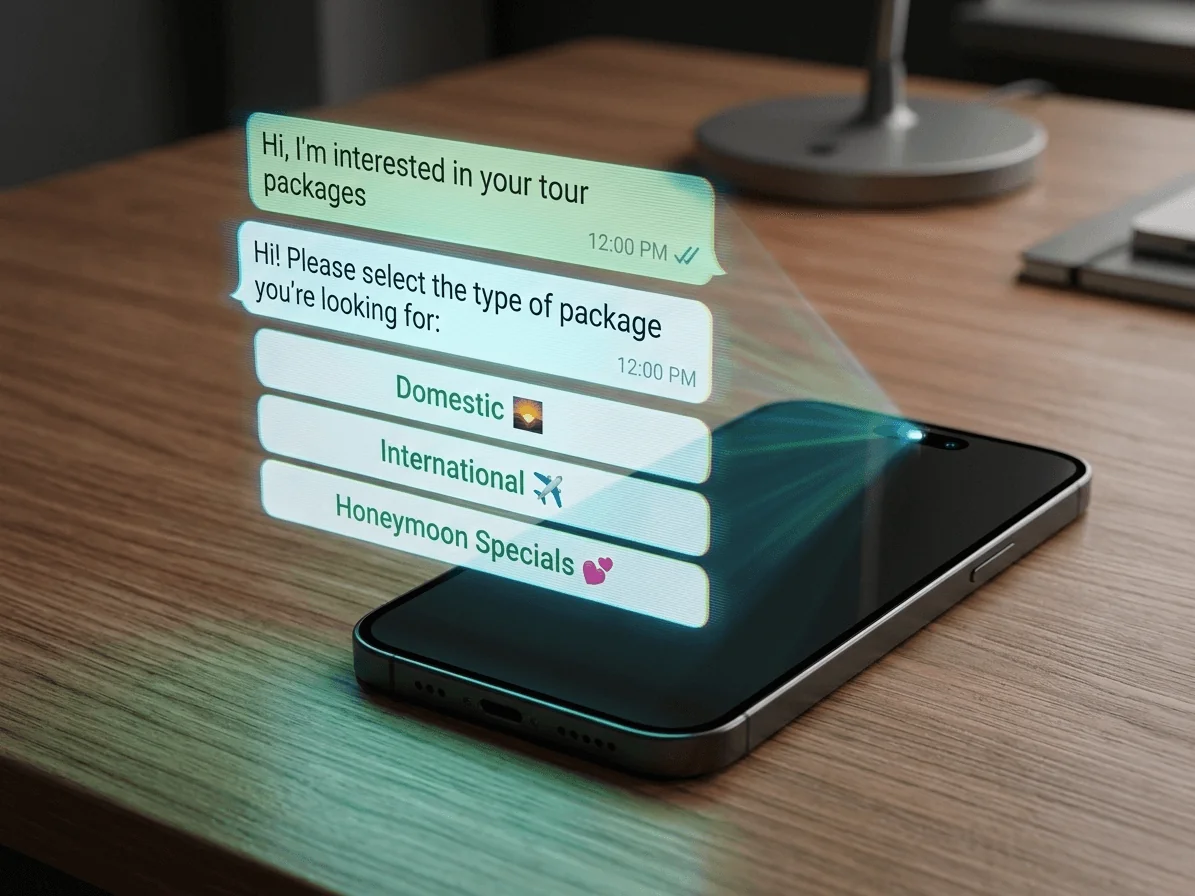
Most AI marketing automation tools can send WhatsApp messages now. HubSpot, Brevo, Klaviyo and Braze, four of the ten picks in our roundup, all connect a WhatsApp Business account, send Meta-approved templates from their journeys and take replies in an inbox. Choosing between them and a WhatsApp-specific platform is no longer a question of whether the channel is supported.
It comes down to where the conversation starts. If the business mostly messages customers it already has, alongside email, a marketing platform’s WhatsApp channel is enough. If customers start the conversation on WhatsApp and expect answers, the right person and a human when they need one, that is the job WhatsApp-specific automation is built for.
- Both send WhatsApp — HubSpot, Brevo, Klaviyo and Braze all have a WhatsApp channel
- Marketing platforms start from the list — templates go to segments, inside journeys built around email
- WhatsApp tools start from the chat — a bot answers, the chat is routed, a person takes over
- The limits show the purpose — template caps, marketing-rate billing and chatbots run by an outside system
What AI marketing automation tools do with WhatsApp
In a marketing platform, WhatsApp is one more channel on the contact record, next to email and SMS. Each of the four documents it:
- HubSpot — its help article says that “if you have a Marketing Hub or Service Hub Professional or Enterprise account, you can connect a WhatsApp Business account to send and receive messages from a verified WhatsApp phone number.” Templates can then be used in workflows “to automate outreach”.
- Brevo — it lets businesses “create WhatsApp campaigns to send advertising and information messages to your contacts”, according to its campaign guide, and sends WhatsApp from automations too.
- Klaviyo — WhatsApp sits in its marketing flows, and incoming messages land in Klaviyo Helpdesk as tickets.
- Braze — its WhatsApp documentation lists “support messages, notifications, and promotional campaigns” as what the channel sends.
Every one of them starts from a list. A segment is picked, an approved template goes out, and replies come back to a shared inbox.
Where the marketing platforms stop
Each platform’s own help pages show the limits of that design:
- A monthly template cap — HubSpot’s WhatsApp connection article says “A limit of 1,000 template messages per month is shared by all your connected WhatsApp business accounts.”
- Marketing-rate automations — Brevo’s automation guide says of WhatsApp messages sent from automations: “You will be charged at the rate of a marketing WhatsApp message.” Meta prices marketing and utility messages separately, so an automated order update is billed as marketing.
- Chatbots run elsewhere — Braze’s guide to AI chatbots and live agent hand-offs relies on an external system, which it describes as “A third-party AI or communication system capable of building and managing chatbots, automated client service systems using APIs, or both.”
- One number, one system — HubSpot’s standard connection requires that “the phone number you use must not be connected to another WhatsApp account, WhatsApp for Business App, or another WhatsApp integration.”
What WhatsApp-specific automation does instead
A WhatsApp-first platform is built around the conversation the customer opens. Meta’s rules make that conversation the cheapest and most flexible part of the channel:
When a WhatsApp user messages you or calls you, a 24-hour timer called a customer service window starts.
Inside that window the business can reply with free-form messages, no template needed. Once it closes, Meta’s documentation says, “you can only send pre-approved template messages.” WhatsApp-specific automation does its work inside the window: answering repeated questions automatically, routing each chat to the right team member, qualifying leads before sales sees them, and handing the chat to a person when the bot reaches its limit. These are the parts a marketing platform leaves to its inbox or to an outside system.
The simplest version is Meta’s own AI agent inside the WhatsApp Business app, compared with a custom build in Meta Business Agent vs. Building Your Own WhatsApp Automation.
Which one does your business need?
A marketing platform’s WhatsApp channel fits when customers are already on a list, WhatsApp carries campaigns, cart reminders and order updates, email is still the main channel, and replies are few enough for a shared inbox.
WhatsApp-specific automation fits when customers message first, from a Click to WhatsApp ad or a chat button on the website, there are many chats a day, and they need answering, routing and a human handoff.
Many businesses need both. Let the WhatsApp platform own the number and the conversations, and pass each contact and outcome to the marketing platform, so email journeys know what happened in the chat. The setup behind that is covered in WhatsApp Automation for Business: API Guide & Capabilities.
Also Read: 10 Best AI Marketing Automation Tools in 2026
Key Takeaways
- HubSpot, Brevo, Klaviyo and Braze all send and receive WhatsApp messages, so channel support no longer separates them from WhatsApp-specific tools.
- Marketing platforms start from a contact list and send templates to segments; WhatsApp-specific automation starts from the customer’s message.
- HubSpot shares 1,000 template messages a month across connected accounts, and Brevo bills automated WhatsApp messages at the marketing rate.
- Meta’s 24-hour customer service window is where WhatsApp-specific automation answers, routes and hands chats to people.
- A business that needs both should let one system own the WhatsApp number and pass data to the other.
Frequently Asked Questions
Can I keep using the WhatsApp Business app if I connect my number to HubSpot?
Yes, through HubSpot’s coexistence setup. HubSpot’s help article says “WhatsApp coexistence allows you to use the same WhatsApp Business phone number in both the WhatsApp Business App and HubSpot at the same time”, with messages syncing across mobile, web and desktop. Without coexistence, the standard connection requires a number that is not connected to another WhatsApp account, the WhatsApp Business app or another WhatsApp integration.
Are WhatsApp messages included in a Brevo plan?
No. Brevo’s pricing article says “WhatsApp credits are not included in subscriptions.” They are bought as an add-on, never expire, and one message uses several credits depending on the recipient’s country code. Since October 1, 2026, replies sent in Brevo Conversations are charged too: “Each service message is charged at the utility rate of the recipient’s country.”
Can Klaviyo reply to customers on WhatsApp?
Yes, through Klaviyo Helpdesk. Klaviyo’s help center says: “If you use WhatsApp in Klaviyo Marketing, any message sent to your number that doesn’t include a keyword appears as a Helpdesk ticket.” Replying needs the customer’s active WhatsApp conversational consent; if that consent is missing or has expired, the reply field is disabled.
Do I need consent to send WhatsApp messages from a marketing platform?
Yes, for any message the business starts. HubSpot’s consent article says “A contact must grant explicit consent to communicate using business-initiated WhatsApp messages”, and its template article requires verifiable opt-in before a contact can be sent WhatsApp messages from a workflow. Meta’s Business Messaging Policy applies the same rule whichever platform sends the message.
Are WhatsApp chats that start from an ad charged in a marketing platform?
Not by Meta, for up to 7 days. When a customer messages from a Click to WhatsApp ad and the business replies within 24 hours, Meta’s pricing documentation opens a free entry point window, open for up to 7 days, in which “Meta does not charge for marketing, utility, authentication or service messages.” HubSpot’s help article confirms “HubSpot does not charge for free entry point conversations.” Check the same point with any other platform before running ads to WhatsApp.
Final Thoughts
Count who starts the conversations before choosing. If most WhatsApp messages last month were sent by the business, the marketing platform already in use can probably carry the channel. If most were sent by customers, the work is in answering them, and that needs a tool built around the chat.
Not sure where WhatsApp belongs in your stack?
ClubUnbrick sets up WhatsApp automation that works alongside the marketing platform a business already uses, with one system owning the number and the data flowing both ways.
What We Offer
- Stack review — Which conversations belong in your marketing platform and which need a WhatsApp tool.
- WhatsApp automation — Bots, routing and human handoff built on the WhatsApp Business Platform.
- CRM and email sync — Chat outcomes passed to HubSpot, Brevo, Klaviyo or your CRM.
- Template setup — Templates written and categorised so they are approved and billed correctly.
Keep the tools you already pay for; we connect WhatsApp to them.