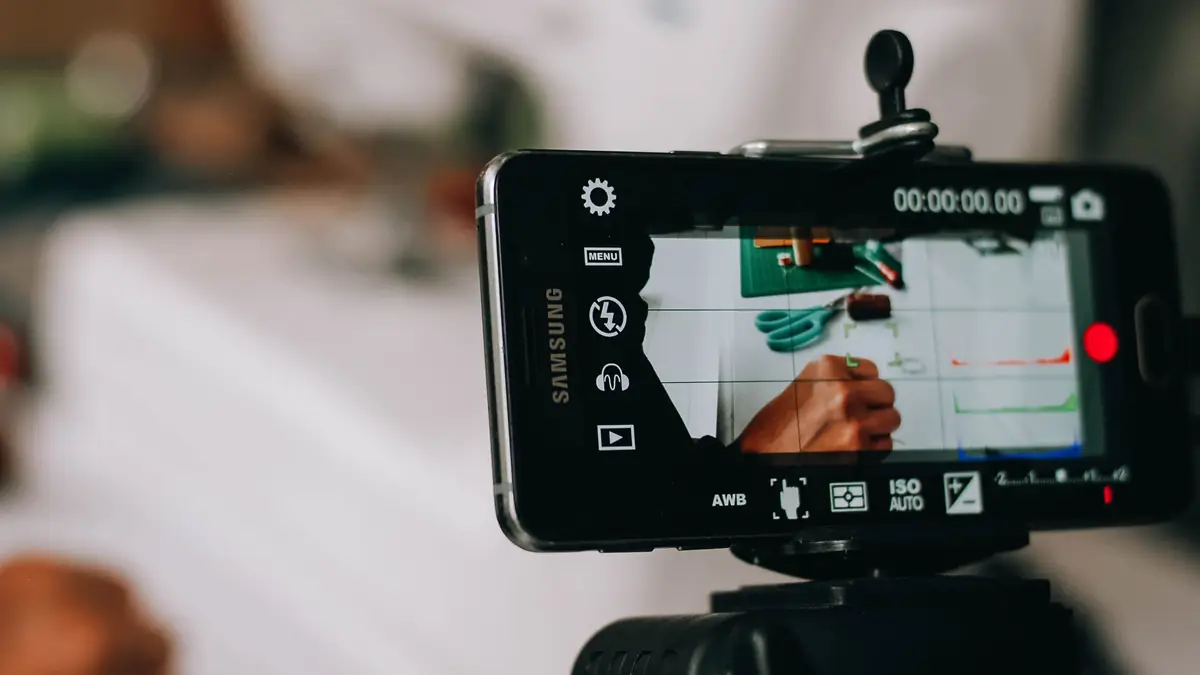
Batch filming means writing and recording a whole stretch of short-form videos in one sitting, then editing and scheduling them over the weeks that follow. For a business posting two or three clips a week, a month is eight to twelve videos, and that fits in a single session if every clip is written before the camera comes out. YouTube recommends the practice in its own Shorts guidance. The catch is at the other end: a month filmed in one day can’t always be scheduled in one day, because TikTok’s scheduler only looks ten days ahead.
- Write before you film — every clip’s topic, opening line and talking points on paper before the session
- One setup, many clips — fix the camera, light and sound once, and change only what is in front of the lens
- Film in setup order — all the talking-head clips, then all the demos; posting order gets decided in the edit
- Scheduling windows differ — TikTok reaches 10 days ahead, Instagram 30, LinkedIn Pages three months
- Leave a slot open — one post a week for whatever can’t be filmed in advance
Why film in batches at all
Setting up is the slow part of filming. Clearing the background, positioning a light, finding the angle and checking the sound can take longer than the clip itself, and filming one video at a time pays that cost every time. A batch pays it once.
YouTube’s Help Center makes the same point in its advice on planning a Shorts upload schedule:
Think through ways to make producing content easier. Consider filming Shorts in batches and saving in-progress Shorts as drafts whenever possible.
The same page calls a consistent, sustainable release schedule “critical when building and fulfilling audience expectations and maintaining your well-being.” A batch serves both halves of that. The schedule holds through a busy week because the videos already exist, and nobody has to film on a day they have no time for it.
Do the writing before the filming day
A session stalls when the person on camera is deciding what to say next. The thinking belongs on paper beforehand:
- Pick the topics — eight to twelve for a month at two or three posts a week. The fastest source is the questions customers repeat on WhatsApp, by email and on the phone.
- Write each opening line in full — one sentence of about a dozen words that names the subject. How to write the first three seconds covers what that line has to do.
- Bullet the rest — three to five points per clip rather than a full script. A script read word for word tends to show on camera, and bullet points keep the delivery conversational without letting it wander.
- Make a shot list — note which clips need a product, a second person, a screen recording or a different room. That list sets the filming order.
It is a content brief at a smaller scale: the decisions get made once, in writing, so the session itself is just delivery.
One setup, many clips
The session runs fastest when the camera, light and microphone are set once and then left alone:
- Use a fixed light — daylight through a window shifts in colour and direction over a few hours, so a clip filmed at ten and one filmed at two won’t match. A lamp or ring light gives the same picture all session.
- Film in order of setup — every talking-head clip at the desk, then every tabletop demo, then anything that needs another room.
- Change something in frame between clips — a different shirt, prop or corner of the room, so a month of posts doesn’t read as one afternoon.
- Leave a beat at each end — a second of stillness before the first word and after the last gives the editor a clean cut, and the clip can still open on its subject.
- Check the first take — play back clip one, with sound, before filming clip two. A smudged lens or a dead microphone found then costs a minute. Found at clip ten, it costs the session.
Film vertically at 9:16 throughout. One format for the whole batch means one export setting, and the guide to repurposing long-form video lists the spec that uploads cleanly to every major feed.
How far ahead each platform lets you schedule
Editing the whole batch in one go makes sense. Publishing it in one go depends on the platform, because each caps how far ahead its own scheduler reaches:
| Platform | Native scheduling window | Stated by |
|---|---|---|
| TikTok | 15 minutes to 10 days ahead | TikTok Support |
| Instagram app | Up to 30 days ahead, 25 posts a day | Meta Business Help Center |
| LinkedIn Page | One hour to three months ahead | LinkedIn Help |
| YouTube | No limit stated | YouTube Help |
TikTok’s window is the one that changes the plan. Its help article on scheduling puts the limit plainly:
You can schedule a minimum of 15 minutes and a maximum of 10 days in advance of publishing.
That article describes scheduling from a computer. TikTok Studio can also schedule from the app, and TikTok doesn’t publish a different window for it.
A month of TikToks therefore needs three or four short scheduling passes, one every week or so, each taking minutes because the edited files are already waiting. Instagram’s 30 days covers a month scheduled on the day the edit is finished. LinkedIn Pages and YouTube can hold far more than a month. Third-party scheduling tools set their own limits, so check the one in use before relying on it.
Leave room for what can’t be filmed in advance
Batched videos are filmed weeks before anyone sees them, so they have to survive the wait. Keep dates, “this week” and anything seasonal out of the scripts unless the clip is scheduled for that moment.
Then leave one slot a week unfilled. Some posts can only be made on the day: a reaction to industry news, a trend, an answer to a comment. YouTube’s Shorts guidance suggests replying to comments with Shorts, and calls that and clipping existing videos good ways “to produce high-frequency, low-production value content.”
Also Read: 10 Best AI Marketing Automation Tools in 2026
Key Takeaways
- Batching pays the setup cost once — YouTube’s own Shorts guidance recommends filming in batches
- The writing happens before the session — topics, opening lines and a shot list, all on paper
- Film in setup order, post in any order — the sequence gets decided in the edit
- TikTok schedules 10 days ahead at most — Instagram reaches 30 days and LinkedIn Pages three months
- Keep one slot a week open — for news, trends and replies that can’t be filmed in advance
Frequently Asked Questions
Can a business use trending sounds in batched TikTok videos?
Only if the sound is in TikTok’s Commercial Music Library. TikTok’s Business Help Center says businesses cannot use the general music library for commercial usage, and that rule covers organic posts as well as ads. The Commercial Music Library is the alternative it points to, which it describes as a pre-cleared library of 1 million songs, free for businesses to use. Picking tracks from it during the edit, rather than adding a trending sound on the day a video posts, keeps a batched clip usable whenever it goes out.
Can you edit a video after scheduling it?
It depends on the platform. TikTok’s scheduling article says scheduled posts cannot be edited but can be deleted, so a fix means deleting the post and scheduling it again. Instagram’s Scheduled content menu offers Delete, Edit post, Reschedule and Share now. YouTube lets you change the scheduled publish time, or publish straight away, from YouTube Studio or the app.
What kinds of post can’t be scheduled in advance?
Meta’s Help Center says features such as product tagging, collaborative posts, sponsored posts and fundraisers aren’t compatible with scheduled content on Instagram at this time. LinkedIn Help lists events, multiple photos, reshares, polls, jobs and service posts as things a Page can’t schedule. Video posts are missing from LinkedIn’s list, so they can be scheduled to a Page. A reel with product tags or a collaborator has to be posted by hand on the day.
Can you schedule YouTube Shorts?
Yes, through the same scheduled publishing as any other upload: in YouTube Studio or the YouTube app, set the video to Schedule and choose a date, time and time zone. Uploaded from a computer, a video counts as a Short when it is up to 3 minutes long with a square or vertical aspect ratio. One detail catches people out: YouTube says the date on the watch page is based on Pacific Standard Time, so a video scheduled for early morning in Africa or Europe can show the previous day’s date.
How many reels a month should a business post?
Instagram’s Creator FAQ calls posting frequency just one of many factors in follower growth, then adds that creators with the greatest net follower growth rates post, on average, 10 or more reels per month. That figure describes the fastest-growing creators. A business has its own goals, and the number worth planning around is the one it can keep up month after month, which is why YouTube’s own advice on upload schedules uses the word sustainable.
Final Thoughts
Batch filming is mostly a writing exercise. A session goes as well as the list of opening lines that goes into it, and the camera, light and sound only have to be right once.
The publishing end then needs a small calendar of its own: one sitting for Instagram, LinkedIn and YouTube, and a short TikTok pass every week or so. That is still a fraction of the time it takes to film every clip on the day it posts.
Want a month of posts out of one filming session?
ClubUnbrick plans the batch before the camera comes out, edits the footage into platform-ready clips, and keeps the month publishing on schedule.
What We Offer
- Hook and concept ideation — Every clip’s topic and opening line written before your filming day
- Short video editing — Your raw footage cut into Reels, TikToks and Shorts that open on the point
- Captions and licensed music — On-screen text for sound-off viewing, and only music cleared for commercial use
- Short content scheduling — A content calendar, and a scheduling tool connected once to post for 30 to 90 days at a time
Send us the questions your customers ask most, and we’ll show you what a month of opening lines looks like.