Most businesses that move their WhatsApp onto the Business API try to automate everything at once: answers, bookings, follow-ups, offers. The result is usually a bot that does six jobs badly and a team that stops trusting it. The ones that stick start with one job, get it right, and add the next.
The short answer: automate first what customers start and what has the same answer every time, because those replies are the cheapest messages WhatsApp has and the hardest to get wrong. Add what you start yourself, such as reminders and review requests, once that works. Leave promotions until last, and keep complaints, money and anything urgent with a person from the start.
- Start with repeat questions — the customer opens the chat, the answer never changes, and the reply is a service message
- Then routing, reminders and lead questions — each builds on the first and saves a person real time
- Promotions come last — marketing is the most expensive message type and needs its own opt-in
- Keep people on complaints, money and urgency — customers’ top worry about automated service is not reaching a person
- Every bot needs an exit — WhatsApp’s policy requires an escalation path wherever automation replies
Three questions that decide the order
Before anything gets automated, put each kind of message a business sends or receives through three questions.
- Who starts it? — when the customer messages first, a 24-hour customer service window opens and any reply inside it is an ordinary message. When the business starts it, it has to be a pre-approved template, written and paid for in advance.
- Is the answer the same every time? — opening hours, prices, delivery areas and booking times have one right answer. A late order or a damaged product doesn’t.
- What does a wrong answer cost? — a wrong opening time costs a wasted trip. A wrong answer about a refund or a medical appointment can cost the customer.
The tasks to automate first are customer-started, have one answer and are cheap to get wrong. The order below follows those three questions, roughly from most to least suited.
What each kind of WhatsApp message costs
Cost backs up the same order. Meta charges per delivered message, at a rate set by the message’s category and the customer’s country. Its pricing page defines service messages as non-template replies sent inside an open customer service window, and gives every business phone number its first 1,000 of them free each month. Templates are charged as marketing, utility or authentication.
Two things stand out. An answer typed into an open chat costs the same as a utility template, and the first thousand each month cost nothing. And in Kenya, a reply written by Meta’s own AI agent costs more than a marketing message: Meta prices it by token and estimates about 4 to 5 US cents a message. For simple, repeated questions, a fixed answer is cheaper than a generated one. What these rates add up to in a month, for a salon, an online shop and a business running click-to-WhatsApp ads, is worked out in How Much Does the WhatsApp Business API Cost in 2026? Worked Monthly Bills.
Also Read: Meta Business Agent vs. Building Your Own WhatsApp Automation
The order to automate in
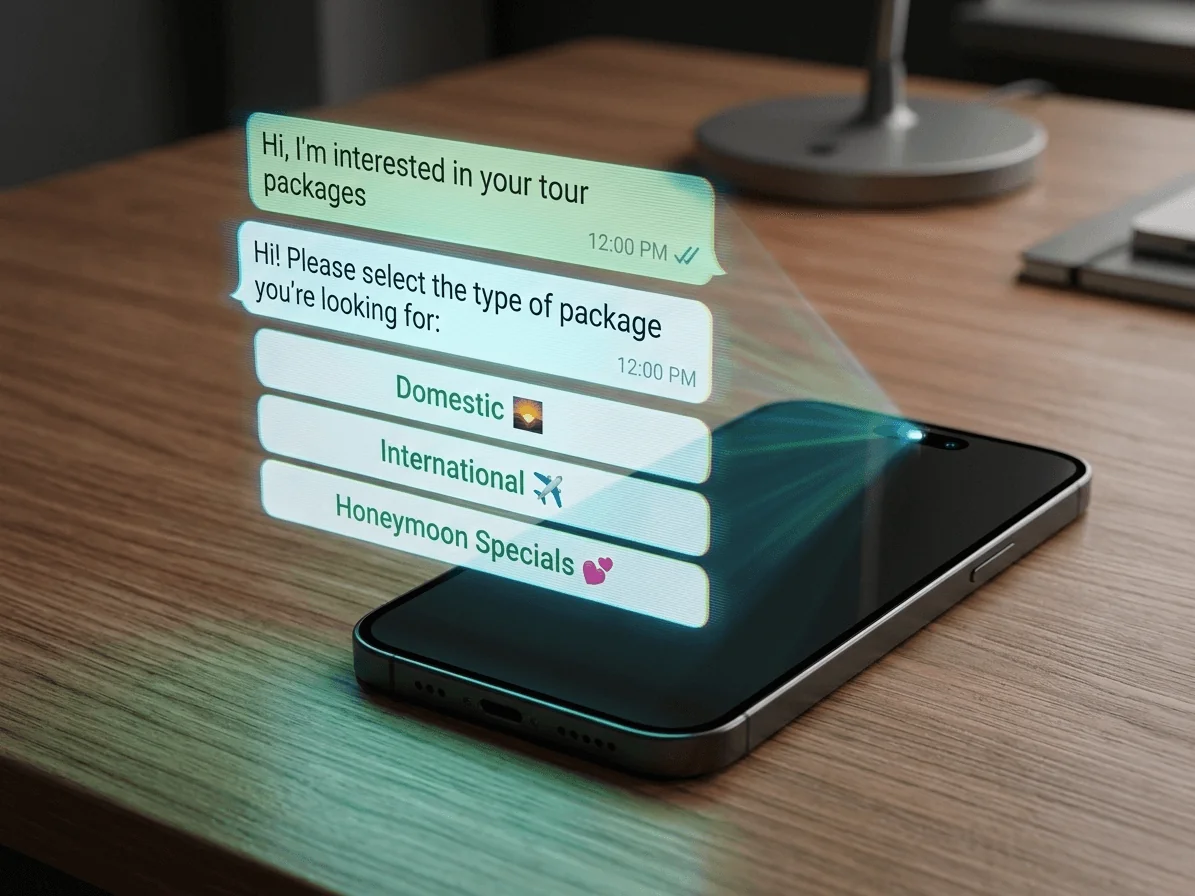
1. Answers to the questions you get every day
Go through the last month’s chats and list the questions that keep coming back: opening hours, prices, location, delivery areas, how to book. The customer starts the chat, the answer is fixed and a wrong answer is cheap to correct. It is the safest place to begin.
It also comes with a rule. WhatsApp’s Business Messaging Policy says a business “may use automation when responding during the 24-hour window, but must also have available prompt, clear, and direct escalation paths.” Automating WhatsApp FAQs Without Losing the Human Touch on Urgent Requests covers how to write the answers and where the exit should sit.
2. Getting each chat to the right person
Once the bot answers the simple questions, everything else needs to reach the right person quickly. Routing by topic, branch or language is automation that never talks to the customer at all. It saves the team the morning spent forwarding chats to each other, and it is what makes the later steps safe. Routing WhatsApp Chats to the Right Team Member covers the rules.
3. Booking confirmations and reminders

For anything booked by appointment, reminders are the first message worth sending unprompted. A reminder sent days after the last chat has to be a utility template, and since October 1, 2026 Meta charges for utility templates inside an open window as well as outside it. The reminder is still cheap, and every missed appointment it prevents is worth far more. Confirm and Reschedule buttons turn it into a conversation, which is why routing comes first.
Also Read: Automated Booking Confirmations and Reminders on WhatsApp
4. Qualifying leads before sales sees them
Customers who arrive from a click-to-WhatsApp ad ask the same first questions, and a few automated questions back (budget, timing, what they need) save a salesperson’s first call. The timing helps too. When the business replies to a chat that started from an ad, Meta opens a free entry point window that can stay open for up to 7 days, and while it is open Meta does not charge for marketing, utility, authentication or service messages.
Also Read: Qualifying WhatsApp Leads Automatically Before Sales Sees Them
5. Review requests after the job
A review request is business-started, but it is triggered by something the customer did and it is the same message every time. Once bookings or orders run through the system, sending it is a small step. It is also easy to get wrong in ways that break Google’s rules, such as asking only the happy customers.
Also Read: How to Ask Customers for Reviews on WhatsApp After the Job Is Done
6. Promotions and anniversary offers, last
Offers come last because they fail all three of the questions at the top of this guide. The business starts them, not the customer, so each one has to be a pre-approved marketing template sent only to people who opted in. The right message isn’t the same every time: which offer goes to whom, and when, depends on the customer. And a wrong one is costly, because a badly targeted offer gets the number blocked. Marketing is also the most expensive standard category on Meta’s rate card in every market, and WhatsApp may limit how many marketing messages each person receives from all businesses. Automate them once the rest is running and the opt-in list exists.
Also Read: How to Send WhatsApp Promotions and Anniversary Offers Within Meta’s Rules
What to leave to a human
Customers are wary of automated service, and their main worry is specific. In a Gartner survey of 5,728 customers in December 2023, 64% said they would prefer companies didn’t use AI in customer service, and 53% would consider switching to a competitor if a company did. Their top concern was that it would become harder to reach a person. Gartner’s advice to service leaders is direct:
For example, AI-infused chatbots must communicate to the customer that they will connect them to an agent in the event that the AI cannot provide a solution.

So some chats should go to a person from the first day, not after the bot has tried and failed:
- Complaints and upset customers — an automated reply to an angry message usually makes it angrier
- Money — refunds, disputed charges and payment problems need someone who can make a decision
- Anything urgent — a burst pipe, a missed delivery for an event that day, a health question
- Custom quotes and negotiation — the answer depends on the customer, so it isn’t fixed
- A second failed answer — if the bot has missed twice, a third try only costs goodwill
- Anyone who asks for a person — straight away, without making them ask twice
Some things shouldn’t be collected in the chat by anyone, bot or person. The same policy says: “Don’t share or ask people to share full length individual payment card numbers, financial account numbers, personal ID card numbers, or other sensitive identifiers.” Payments go through a payment link or a checkout, not a message.
How those triggers fire, and what the person picking up the chat should see, is in Does Your WhatsApp Automation Need a Human Handoff? Designing Escalation Rules.
Getting this wrong costs more than goodwill. A tribunal ordered Air Canada to pay over refund advice its chatbot got wrong, and the EU now requires chatbots to say they are AI. Both are covered in How to Automate Customer Service Without Making It Worse.
Also Read: WhatsApp Automation for Business: API Guide & Capabilities
Key Takeaways
- Automate first what customers start and what has one right answer: repeat questions, then routing.
- A reply in an open chat costs the same as a utility template, and the first 1,000 a month are free per number.
- Add reminders, lead questions and review requests next. Promotions come last, at the highest rate and with their own opt-in.
- A Meta Business Agent reply costs about 4 to 5 cents by Meta’s estimate, more than a marketing template in Kenya.
- Keep complaints, money, urgent requests and anyone who asks for a person with your team, and never collect card or ID numbers in the chat.
Frequently Asked Questions
Does WhatsApp require a person to be available in the chat?
Not in the chat itself. WhatsApp’s Business Messaging Policy lets a business use automation inside the 24-hour customer service window as long as it also has prompt, clear and direct escalation paths available. Its list includes an in-chat transfer to a human agent, but also a phone number, email, web support, an in-store visit or a support form. Whichever you offer, the bot should tell customers how to reach it.
How much does it cost to let Meta’s own AI agent answer customers?
Meta charges for Meta Business Agent messages by token, at one global rate of $2.00 per million tokens. Its pricing page says “one message typically consumes 20,000–25,000 tokens, which translates to approximately 4–5 cents (USD) per message.” Unlike other messages, these are still charged inside the free entry point window that follows a click-to-WhatsApp ad.
Do I need the WhatsApp Business API to start automating?
Not for the basics. The free WhatsApp Business app has quick replies and away messages, which cover a very small business answering by hand. The API is what connects WhatsApp to a booking system, a CRM or your own routing and escalation rules, and it is what the order in this guide assumes from step two onwards. WhatsApp Automation for Business: API Guide & Capabilities compares the two.
Can automated WhatsApp replies work in more than one language?
Yes. Replies inside an open customer service window are ordinary messages, so they can be in whatever language the customer wrote in. Templates are different: each language is a separate version under the same template name, and Meta does not translate them, so someone who writes each language well has to write each version. WhatsApp Automation for Businesses Operating in Multiple Countries covers the rest.
How do I know if the automation is working?
Not from how many chats the bot kept to itself. Watch how often customers have to repeat themselves after a handoff, how long it takes them to get a useful reply from a person, and whether escalated chats get resolved as often as the rest. If the bot is handling more while those get worse, it is holding on to chats it should pass on. The human handoff guide covers how to track each one.
Final Thoughts
The order matters more than the tools. A business that automates its repeat questions first, and gets the handoff right, has a system its customers trust by the time it starts sending reminders and offers. One that starts with promotions has a bot people learn to block.
Not sure where your WhatsApp automation should start?
ClubUnbrick works out which of your customer chats to automate first, builds it on the WhatsApp Business API, and keeps a person on the chats that need one.
What We Offer
- Chat audit — A month of your WhatsApp messages sorted into what to automate, route or leave with your team.
- FAQ and routing setup — Fixed answers to the repeat questions, and every other chat sent to the right person.
- Reminders and lead questions — Utility templates and qualification flows built on your booking and sales tools.
- Handoff rules — Escalation paths that meet WhatsApp’s policy and reach a person before the customer has to ask twice.
You can start with the ten questions your team answers most often.